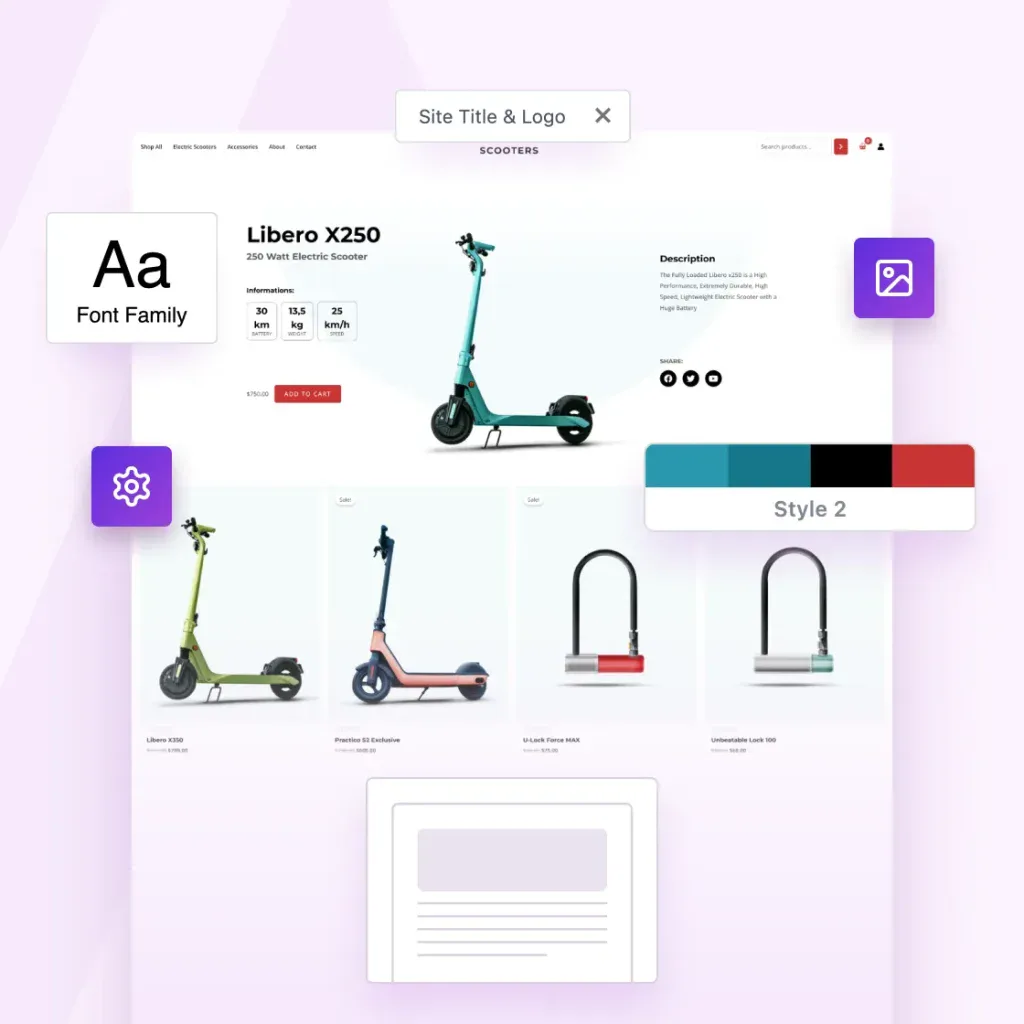
CLIENT WORK IS A DEAD END. PRODUCTS AREN’T.
Turn Your Best Websites Into Products That Sell Themselves
The Astra Template Exporter helps you turn finished projects into reusable templates you can sell, share or license again and again.
Already a Business Toolkit customer? Log in here
Astra Is More Than a Theme. It’s a Complete Revenue Engine.
You’ve already done the hard work by designing great websites. Astra helps you turn them into income.
The Template Exporter packages full websites into reusable templates you can install anywhere, reuse or sell.

Create Once. Package Instantly. Sell Forever.
Package websites into complete templates you can reuse, share or sell.
Export Entire Sites
Package your Astra site, including layouts, settings, plugins, and styles.
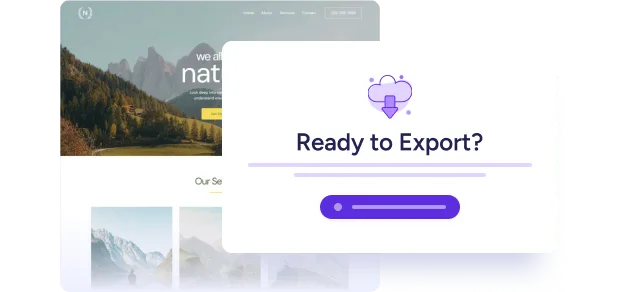
One-Click Template Packaging
One click. One complete template. Ready to use, share or sell.
Sell or Distribute Anywhere
Sell it in your store, deliver it to clients, or reuse it across your own projects.

Your Designs Deserve To Become Products
Astra powers millions of websites, and now it gives you a path to turn your expertise into assets.
Now you can:
-
Turn completed projects into something you can reuse & sell
-
Turn your creativity into recurring revenue
-
Turn your skills into scalable digital products
-
Build your own template library once and forever
-
Sell faster because your starting point is already master-level
Your work can keep creating value long after the project ends.
3-Step Process That Feels Like Magic
1
Build With Astra
Create your site the same way you always do, with Astra and the plugins you rely on.
2
Install the Template Exporter
Install the Template Exporter plugin (exclusive to the Business Toolkit) and follow the wizard to create your first template.
3
Export Your Template
Astra bundles everything into a clean, distributable template file you can sell, reuse, or deliver instantly.
Complete Websites, Ready To Upload, Install or Share
Nothing is left behind.
Nothing breaks on import.
-
Astra theme settings
-
Header & footer settings
-
Page layouts & Spectra blocks
-
Customizer configurations
-
All plugins & their settings
-
Design styles
-
Media (optimized for import)
-
Ready-to-install template file
Built for People Who Create at Scale
Built for solo creators and growing agencies, the Astra Template Exporter helps you ship sites faster.

Content Creators
Save your sites as templates you can reuse anywhere.

Agencies
Save finished client sites as reusable agency templates.

Web Designers
Turn finished designs into reusable website templates

The Foundation For Much More Than Websites.
The future of web design isn’t building one site at a time. It’s building once and reusing infinitely.
You already have the skills. You already have the templates. Now you have the platform that turns them into products.
Welcome to scalable web creation!

Common Questions Answered
Have questions? We’ve answered the most common ones below.
Yes. You can sell, license, bundle, or distribute your template packs anywhere – on your own store, marketplaces, or directly to clients. This isn’t just an export tool. It’s built to help you productize your work.
The exporter includes plugin settings and design elements, but it does not export paid licenses or private data. If your template uses premium plugins, the importing user will need their own valid license. Your design stays intact. Your licenses stay protected.
Yes. Astra Template Exporter is purpose-built for Astra-powered websites, so we recommend using the Astra theme. That’s how we assure pixel-accurate imports and full compatibility.
Astra Template Exporter is a plugin, but it is available exclusively inside the Astra Business Toolkit. It’s part of a larger ecosystem designed to help creators and agencies scale.
Anywhere. You can list them on your own SureCart/Woo store, sell via marketplaces, bundle them for clients, or include them in membership programs. If you can sell a digital file there, you can sell your templates there.
The future of web design isn’t building one site at a time. It’s building once and reusing infinitely. You already have the skills. You already have the templates. Now you have the platform that turns them into products.
Just like any digital product, you control the support you offer. This tool gives you the product. You have the freedom to decide the business model.
Most WordPress export tools weren’t built for selling design templates.
Some export too little – missing Customizer settings, plugin configurations, and design-critical data. This leads to broken or incomplete imports.
Others export too much, including licenses, payment settings, and private data, making them unsafe for redistribution.
Astra Template Exporter exports exactly what’s needed: design structure, theme settings, plugin configurations, and media assets. Nothing missing. Nothing sensitive. It’s purpose-built for safely packaging Astra-powered sites into sellable templates.
Turn Your Websites Into Digital Products
The Astra Template Exporter is exclusively available with the Business Toolkit.
Already a Business Toolkit customer? Log in here
This is Test Text
This is test tab 1
This is test tab 2
This is Slide 1
This is OG Text
This is Copy Text
-

How To Customize the WooCommerce Checkout Page
Customizing the WooCommerce checkout page helps you tailor it to your brand requirements. This tutorial guides you through the process of using CartFlows to build a modern checkout page for highest conversions on your store and create a much more engaging checkout.
-

MemberPress or LearnDash: Are There Better Options Out There?
This guide compares MemberPress and LearnDash. Explore real user feedback and a side-by-side comparison of features of SureMembers, MemberPress and LearnDash. Find out why SureMembers stands out with its intuitive interface, and extensive customization options.
-

CartFlows Review: Is It Better Than The Competition?
We review CartFlows, covering pros and cons, user reviews, key features, and comparisons with FunnelKit and ClickFunnels. Read on to discover why we recommend it as an excellent ClickFunnels alternative and why it’s so good at offering upsells, downsells and optimized checkout within WordPress.
-

Become a WordPress Business Pro With SkillJet Academy!
Courses on SkillJet Academy have one purpose in mind. To provide the information you need to create and maintain a successful business. If you want to learn essential business skills from industry experts, SkillJet Academy is for you! It’s an amazing resource of courses covering everything from speeding up WordPress to closing the deal. Whatever
-

The Ultimate Shopify vs WooCommerce Showdown: Which Should You Choose?
We discuss the best eCommerce platforms and compare them on price, setup, usability, payment solutions, updates, and scalability. Read on to discover which platform suits your needs best and why SureCart could be the ideal choice for your new store.
-
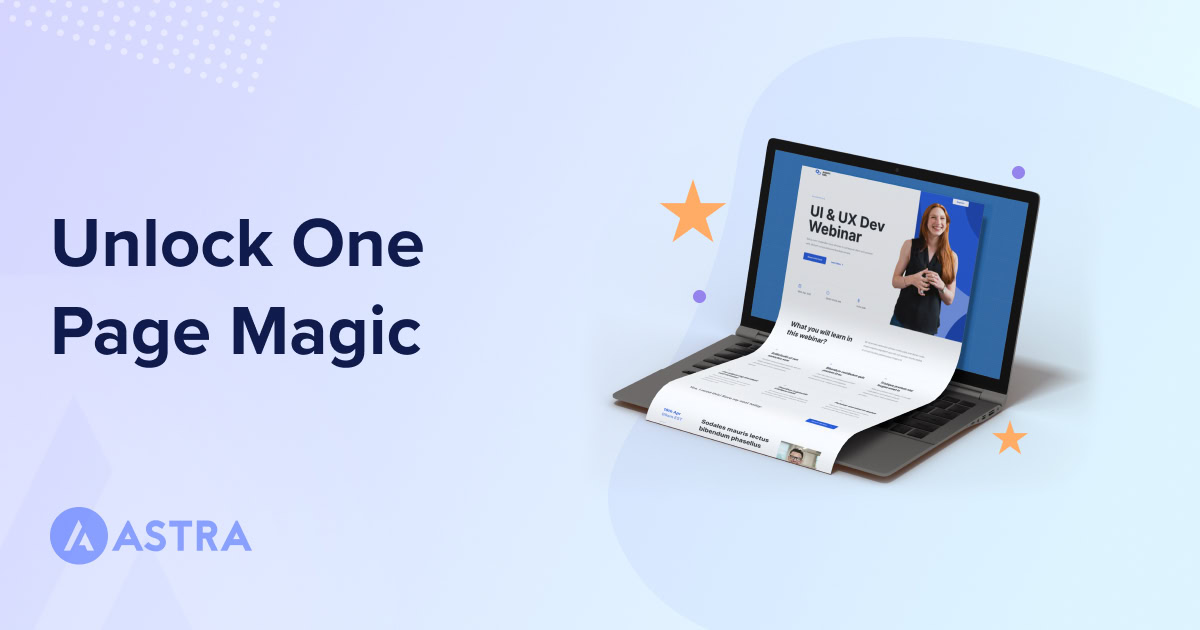
30 Best One Page WordPress Themes 2026 (Free and Premium)
One-page WordPress themes are designed to convey information in a single-page layout. This article compares and reviews the best one-page WordPress themes, highlighting their features, design options, and customization capabilities. We highly recommend Astra for its versatility, user-friendliness, and affordability.
-

20 Best WordPress Block Themes For Effortless Full Site Editing
This article introduces block themes and discusses their advantages over classic themes. It lists 20 top WordPress block themes, including Spectra One. Discover the benefits of simplifying website creation and why Spectra One stands out from the crowd.
-
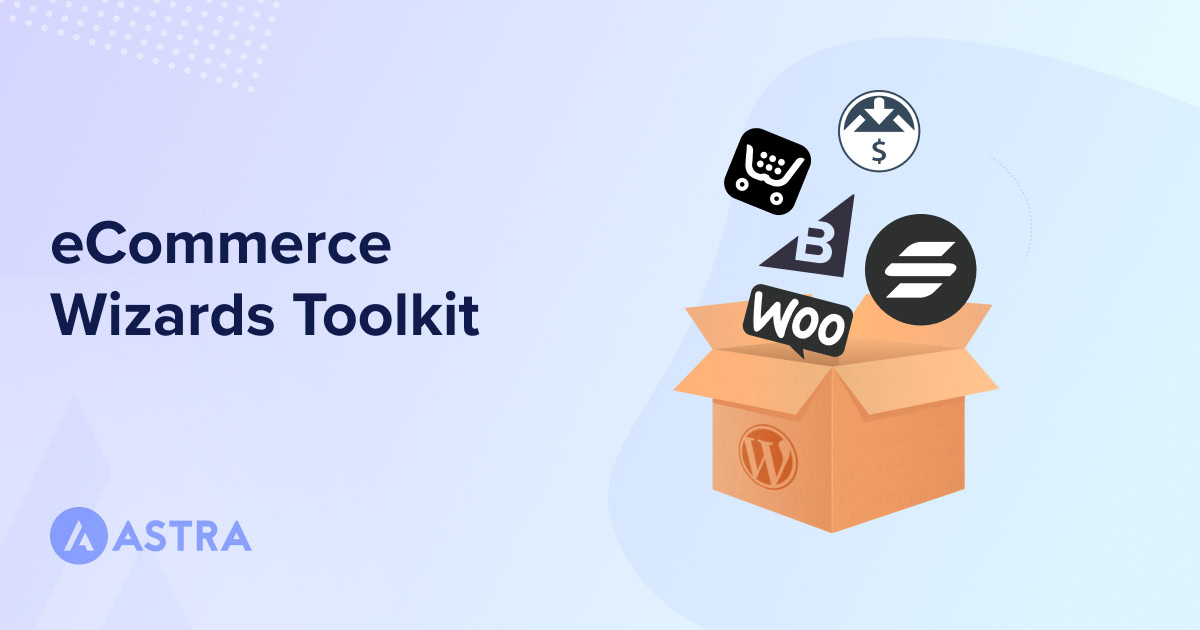
15 Best WordPress Ecommerce Plugins – Expert Picks
WordPress eCommerce plugins are essential tools for building successful online stores. This article provides a comprehensive guide, covering the top 10 best WordPress eCommerce plugin. Find out why SureCart is highlighted for its power and flexibility, and the best eCommerce plugin to suit your needs.
-
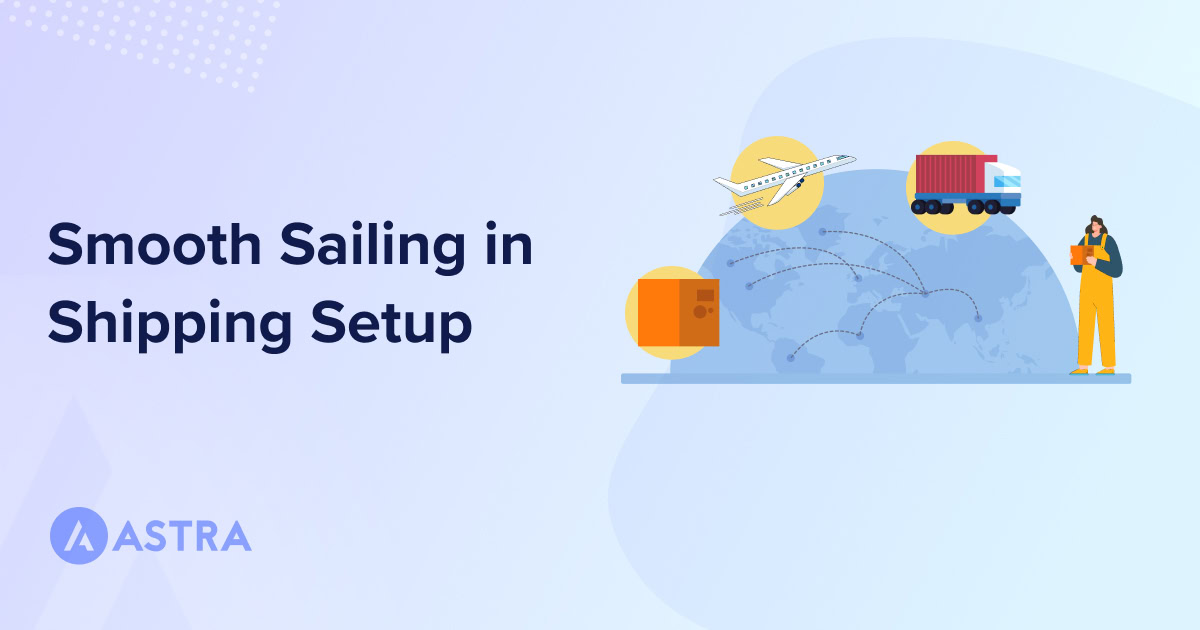
Set Up WooCommerce Shipping Options: Shipping Setup, Methods and Zones Explained
This article outlines how to set up WooCommerce shipping in 5 steps: Create shipping zones > Add shipping methods > Configure shipping classes > Add classes to products > Test the setup. Discover tips to develop a robust shipping strategy that ensures a smooth customer experience.