
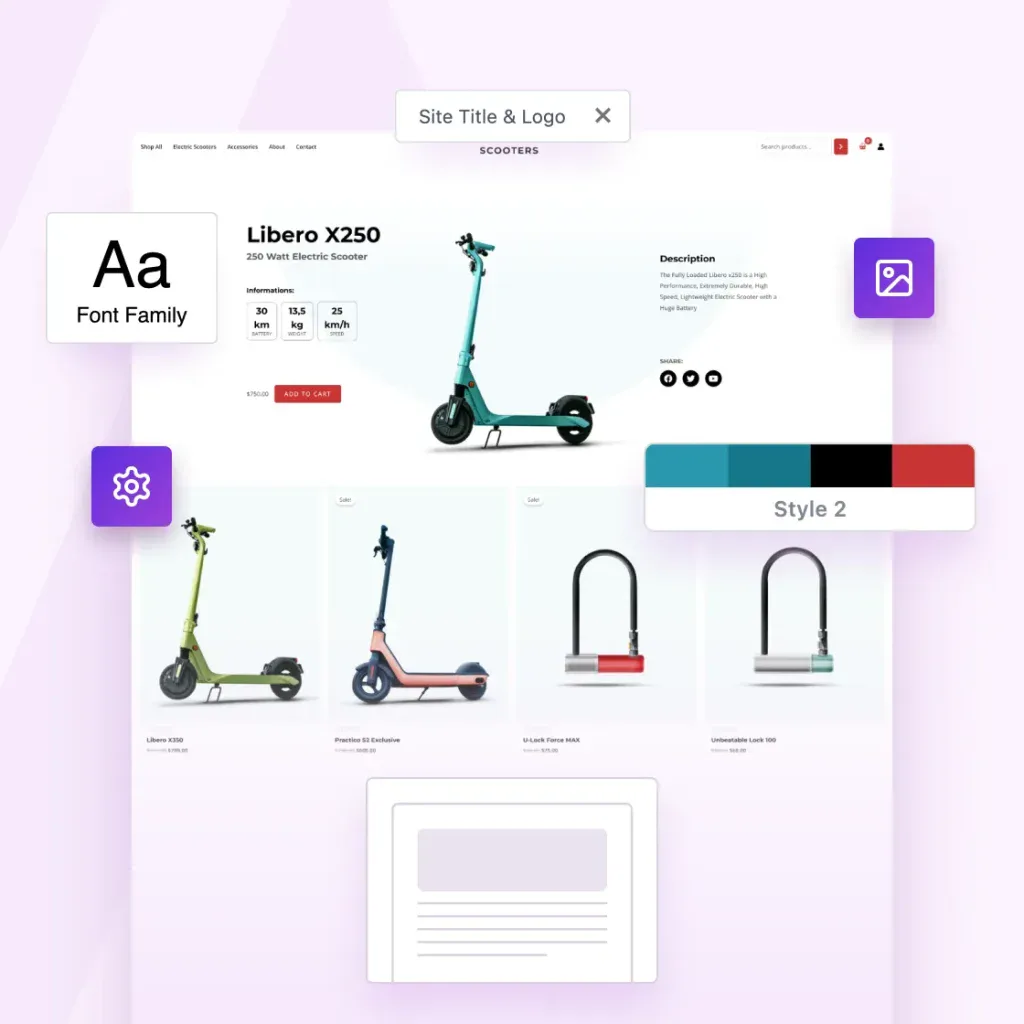
Create Once. Package Instantly. Sell Forever.
Package websites into complete templates you can reuse, share or sell.
Export Entire Sites
Package your Astra site, including layouts, settings, plugins, and styles.
One-Click Template Packaging
One click. One complete template. Ready to use, share or sell.
Sell or Distribute Anywhere
Sell it in your store, deliver it to clients, or reuse it across your own projects.

Built for People Who Create at Scale
Built for solo creators and growing agencies, the Astra Template Exporter helps you ship sites faster.

Content Creators
Save your sites as templates you can reuse anywhere.

Agencies
Save finished client sites as reusable agency templates.

Web Designers
Turn finished designs into reusable website templates
This is test tab 1
This is test tab 2
This is OG Text
This is Copy Text
-
How to Start an Online Thrift Store: 6 Simple Steps to Profit
Discover the 6 essential steps to launch an online thrift store using WordPress: Niche research > Name your store > Domain name search > Select the right platform > Store setup > Get eCommerce-ready. Learn effective strategies to promote your store to attract customers.
-

13 Google Sites Alternatives to Make the Switch Easier
This article presents 13 standout alternatives to Google Sites highlighting ZipWP, Squarespace, and WordPress.org. ZipWP stands out if you’re seeking a balanced, functional solution. Find out why we recommend it for its user-friendly AI website drafts and one-click site generation.
-

How To Set Up WooCommerce Order Bumps To Skyrocket Sales
This article covers essential steps to integrate order bumps into your WooCommerce store: Set up CartFlows > Design compelling order bumps > Test order bumps before going live. Explore the article for more tips to boost conversions and make more profit with little effort.
-
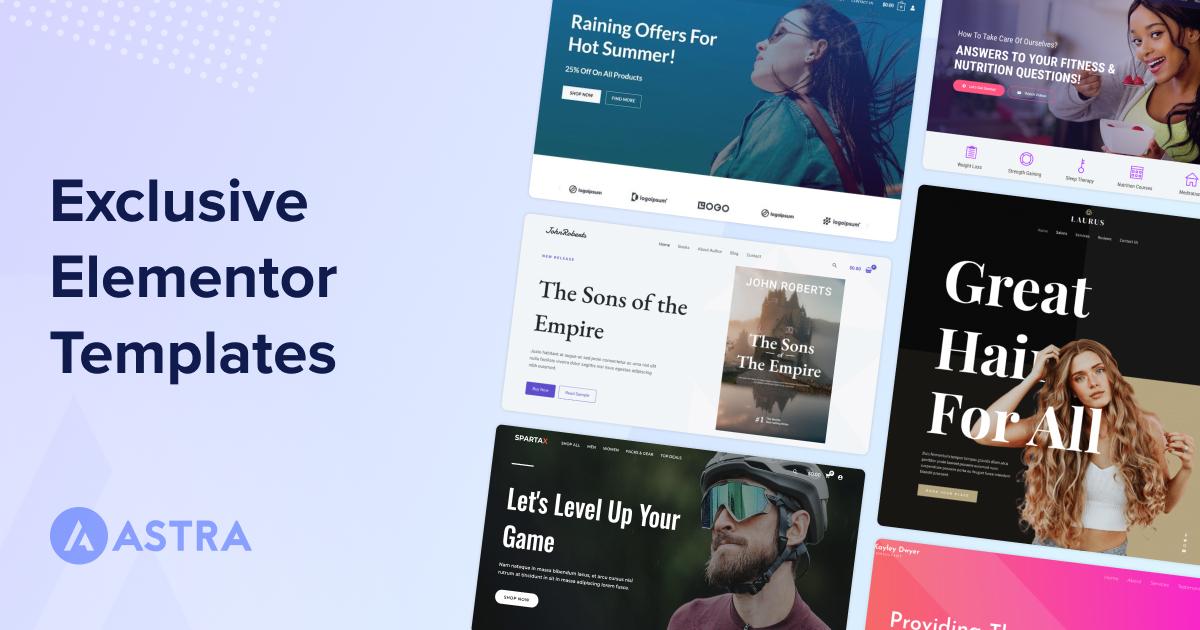
280+ Elementor Templates for Every Niche (Free + Premium)
By | | Creating websites from scratch is time-consuming and frustrating. So we have curated a list of the best Elementor templates that are reliable, unique, and time-saving. I will show you some examples of templates that will look same on your website as they are shown in the images. You can import them, customize
-

How To Upsell: 12 Smart Upselling And Cross-Selling Examples
This article outlines the key differences between upselling and cross-selling. Explore 12 upselling examples including offering premium versions, service upgrades, and customization options, alongside cross-selling strategies like suggesting accessories and seasonal items.
-
Starter Templates 3.5: Build Website 10x Faster With ZipAI
The Starter Templates plugin has been updated to version 3.5, introducing AI content generation. Find out how this tool allows you to create unique, optimized content and images directly within templates, enhancing the website-building experience.
-
How To Find and Fix Broken Links in WordPress
Broken links on a website can frustrate users and harm your SEO. This article shows you how to identify and repair broken links in WordPress using tools like Google Search Console, the Broken Link Checker plugin, or Ahrefs Broken Link Checker.
-

LatePoint Review: Is It the Right Booking Plugin For Your Service?
This article explores LatePoint’s pros and cons, pricing, comparisons with competitors like Amelia and Booknetic, key features, and management tools. Find out why LatePoint is a great choice thanks to its smooth setup and extensive customization options.
-
WordPress Image Loading Errors? We’ve Seen It All Before
Slow images can be frustrating for both you and your visitors. This guide provides practical steps like clearing your browser cache, ensuring the image files are correctly formatted, verifying the file paths, checking plugin conflicts, adjusting WordPress settings, and optimizing your images for faster loading.