
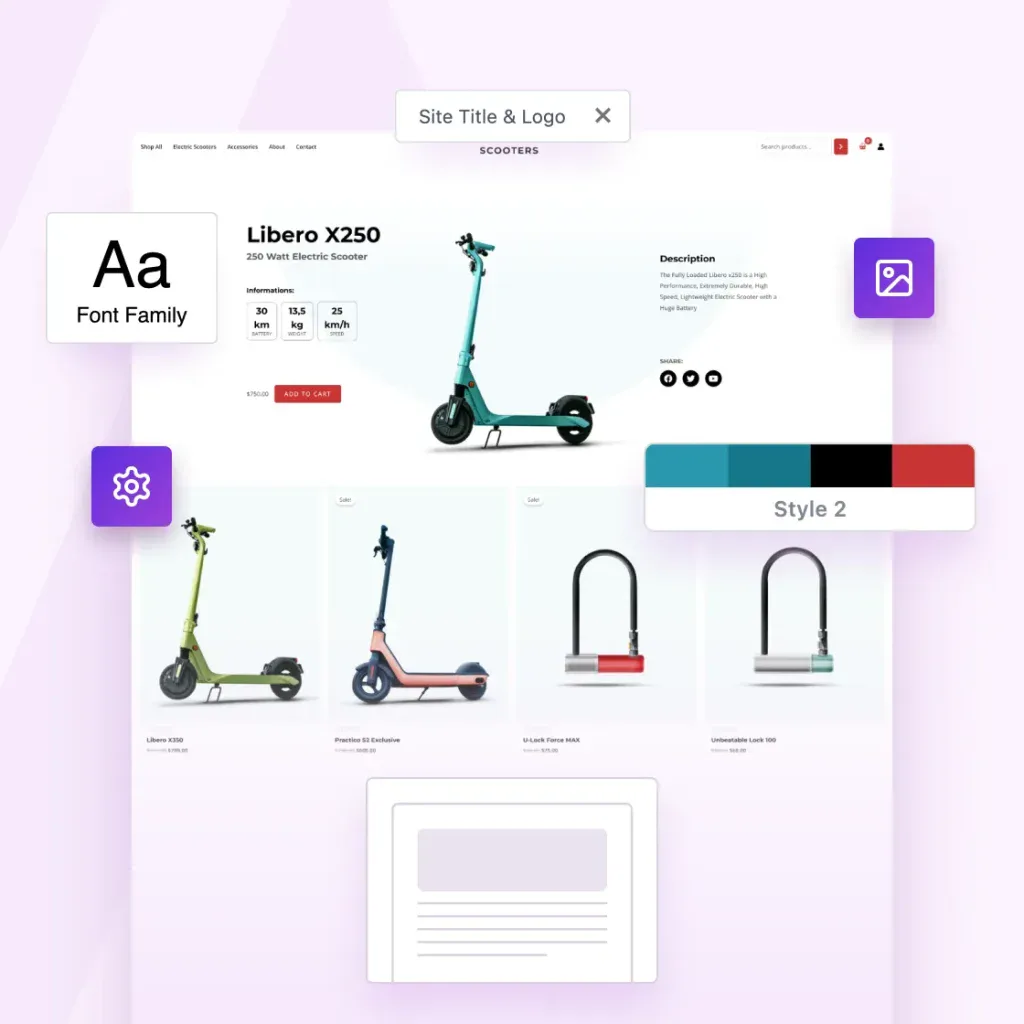
Create Once. Package Instantly. Sell Forever.
Package websites into complete templates you can reuse, share or sell.
Export Entire Sites
Package your Astra site, including layouts, settings, plugins, and styles.
One-Click Template Packaging
One click. One complete template. Ready to use, share or sell.
Sell or Distribute Anywhere
Sell it in your store, deliver it to clients, or reuse it across your own projects.
Built for People Who Create at Scale
Built for solo creators and growing agencies, the Astra Template Exporter helps you ship sites faster.

Content Creators
Save your sites as templates you can reuse anywhere.

Agencies
Save finished client sites as reusable agency templates.

Web Designers
Turn finished designs into reusable website templates

This is test tab 1
This is test tab 2
This is OG Text
This is Copy Text
-
How To Add Custom CSS to WordPress Website (3 Methods)
Discover 3 methods of customizing your WordPress site with custom CSS: Use a plugin, leverage the WordPress Customizer, or directly edit the style.css file. Each method offers unique benefits, allowing you to tailor your website’s appearance with minimal effort.
-

How To Create an Email List Using WordPress – Beginner’s Guide
This article covers the essential steps to build an effective email list, starting with the importance and benefits of email marketing. Read on to discover strategies for attracting subscribers, optimizing email campaigns, and nurturing customer relationships.
-

WooCommerce PayPal Payments: How To Add PayPal to WooCommerce
Follow this tutorial to set up PayPal in your WooCommerce store: Create a PayPal business account > Log into WooCommerce > Select the Payments tab and enable PayPal > Enter your PayPal account details > Configure settings as needed > Save changes to start accepting payments. It’s easy!
-

How To Promote Your Blog in 2026 – Beginner’s Guide
The article emphasizes the importance of blog promotion for boosting visibility. Explore 6 promotional strategies: using search engines, sharing on social media, engaging in email marketing, creating partnerships, utilizing paid promotion, and exploring other creative methods.
-

Astra Voted the Best WordPress Theme of 2021!
Astra has been voted the Best WordPress Theme of 2021 in the WP Awards! It secured nearly twice the votes of the second-place theme, GeneratePress. Brainstorm Force’s other products, Ultimate Addons for Elementor and Spectra, also performed well. Find out more from the post.
-

How To Create a Restaurant Website (WordPress Guide)
Discover how to create a WordPress restaurant website in 10 steps: Buy domain and hosting > Set up WordPress > Select a theme > Design pages > Create online menu > Set up reservation system > Display image galleries and sliders > Create contact us page > Add a map > Add social proof. There’s…
-

How To Delete a Theme in WordPress – 4 Easy Methods to Delete or Uninstall
Read this post to learn why you should delete old WordPress themes, the difference between deleting, deactivating, and uninstalling, and the steps to safely remove them. Explore four methods to delete or uninstall a theme: using the dashboard, FTP, file manager, and WP-CLI.
-

Introducing Starter Templates 3.0: Hundreds of Templates, Millions of Possibilities! 🎉
Starter Templates 3.0 features a modern interface with powerful search capabilities, allowing you to find templates quickly. Key enhancements include the ability to visualize branding with custom logos, color palettes, and typography before importing templates. Read on for more details.
-

28 Best WordPress Block Editor Plugins (Reviewed and Rated)
This article lists 27 top WordPress block plugins, enhancing functionality beyond the default offerings, which include Spectra, Toolset Blocks, and Ultimate Blocks, to help you create engaging websites efficiently. Explore to find the best plugin to streamline your workflow.