
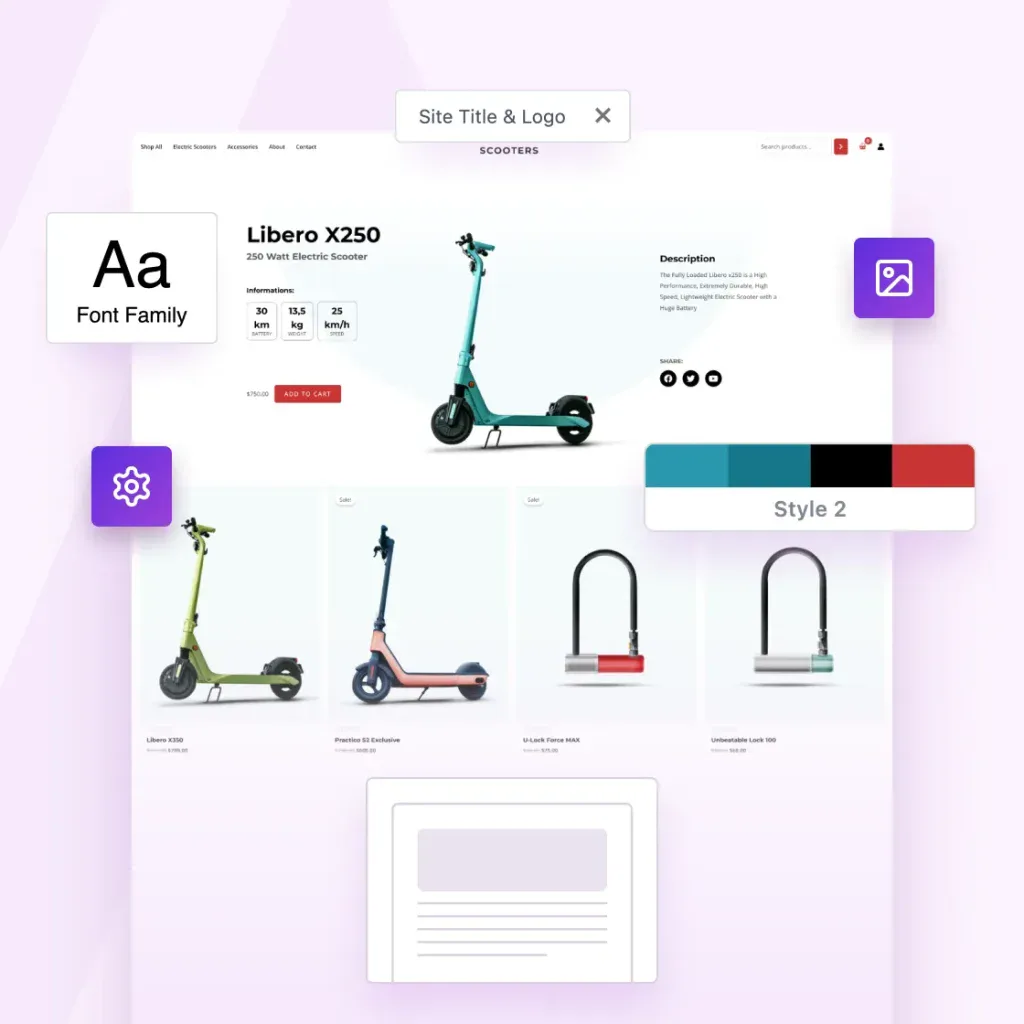
CLIENT WORK IS A DEAD END. PRODUCTS AREN’T.
Turn Your Best Websites Into Products That Sell Themselves
The Astra Template Exporter helps you turn finished projects into reusable templates you can sell, share or license again and again.
Already a Business Toolkit customer? Log in here
Astra Is More Than a Theme. It’s a Complete Revenue Engine.
You’ve already done the hard work by designing great websites. Astra helps you turn them into income.
The Template Exporter packages full websites into reusable templates you can install anywhere, reuse or sell.

Create Once. Package Instantly. Sell Forever.
Package websites into complete templates you can reuse, share or sell.
Export Entire Sites
Package your Astra site, including layouts, settings, plugins, and styles.
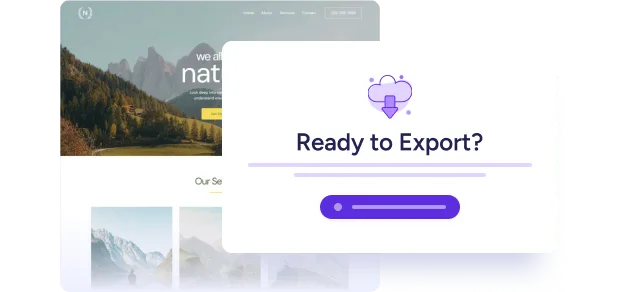
One-Click Template Packaging
One click. One complete template. Ready to use, share or sell.
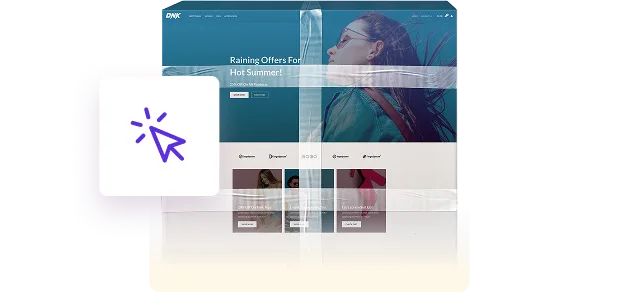
Sell or Distribute Anywhere
Sell it in your store, deliver it to clients, or reuse it across your own projects.

Your Designs Deserve To Become Products
Astra powers millions of websites, and now it gives you a path to turn your expertise into assets.
Now you can:
-
Turn completed projects into something you can reuse & sell
-
Turn your creativity into recurring revenue
-
Turn your skills into scalable digital products
-
Build your own template library once and forever
-
Sell faster because your starting point is already master-level
Your work can keep creating value long after the project ends.
3-Step Process That Feels Like Magic
1
Build With Astra
Create your site the same way you always do, with Astra and the plugins you rely on.
2
Install the Template Exporter
Install the Template Exporter plugin (exclusive to the Business Toolkit) and follow the wizard to create your first template.
3
Export Your Template
Astra bundles everything into a clean, distributable template file you can sell, reuse, or deliver instantly.
Complete Websites, Ready To Upload, Install or Share
Nothing is left behind.
Nothing breaks on import.
-
Astra theme settings
-
Header & footer settings
-
Page layouts & Spectra blocks
-
Customizer configurations
-
All plugins & their settings
-
Design styles
-
Media (optimized for import)
-
Ready-to-install template file
Built for People Who Create at Scale
Built for solo creators and growing agencies, the Astra Template Exporter helps you ship sites faster.

Content Creators
Save your sites as templates you can reuse anywhere.

Agencies
Save finished client sites as reusable agency templates.

Web Designers
Turn finished designs into reusable website templates

The Foundation For Much More Than Websites.
The future of web design isn’t building one site at a time. It’s building once and reusing infinitely.
You already have the skills. You already have the templates. Now you have the platform that turns them into products.
Welcome to scalable web creation!

Common Questions Answered
Have questions? We’ve answered the most common ones below.
Yes. You can sell, license, bundle, or distribute your template packs anywhere – on your own store, marketplaces, or directly to clients. This isn’t just an export tool. It’s built to help you productize your work.
The exporter includes plugin settings and design elements, but it does not export paid licenses or private data. If your template uses premium plugins, the importing user will need their own valid license. Your design stays intact. Your licenses stay protected.
Yes. Astra Template Exporter is purpose-built for Astra-powered websites, so we recommend using the Astra theme. That’s how we assure pixel-accurate imports and full compatibility.
Astra Template Exporter is a plugin, but it is available exclusively inside the Astra Business Toolkit. It’s part of a larger ecosystem designed to help creators and agencies scale.
Anywhere. You can list them on your own SureCart/Woo store, sell via marketplaces, bundle them for clients, or include them in membership programs. If you can sell a digital file there, you can sell your templates there.
The future of web design isn’t building one site at a time. It’s building once and reusing infinitely. You already have the skills. You already have the templates. Now you have the platform that turns them into products.
Just like any digital product, you control the support you offer. This tool gives you the product. You have the freedom to decide the business model.
Most WordPress export tools weren’t built for selling design templates.
Some export too little – missing Customizer settings, plugin configurations, and design-critical data. This leads to broken or incomplete imports.
Others export too much, including licenses, payment settings, and private data, making them unsafe for redistribution.
Astra Template Exporter exports exactly what’s needed: design structure, theme settings, plugin configurations, and media assets. Nothing missing. Nothing sensitive. It’s purpose-built for safely packaging Astra-powered sites into sellable templates.
Turn Your Websites Into Digital Products
The Astra Template Exporter is exclusively available with the Business Toolkit.
Already a Business Toolkit customer? Log in here
This is Test Text
This is test tab 1
This is test tab 2
This is Slide 1
This is OG Text
This is Copy Text
-

Introducing Astra 3.3 – Fast Gets Even Faster!
We are very happy to announce the arrival of Astra 3.3. One of the fastest WordPress themes in the industry is now even faster! Before we get to the big news, let’s see how Astra made last month a super exciting one. We released some beneficial Astra updates during March. If you recall, at the
-

How To Name a Blog: Top Tips for Coming Up With Blog Name Ideas
This article provides essential tips and strategies for creating a memorable and effective name for your blog. It guides you through key questions to consider, methods for generating the perfect blog name, and ways to test its suitability. Explore real-world examples of successful blog names.
-
WooCommerce Free Shipping: How To Offer Free Shipping in Your Store
This guide explores the benefits of free shipping and provides step-by-step instructions on four effective methods to implement it. Continue reading to learn how to set up free shipping for all products, assign it to a single product using WooCommerce shipping classes, use plugins, and leverage coupons.
-

How To Choose a Profitable Niche for Your Blog (+ Tons of Ideas)
This article emphasizes the importance of selecting a focused blog niche to attract and retain your target audience effectively. It guides you through avoiding common mistakes when deciding what to blog about and provides actionable steps to identify a winning blog niche idea.
-

The 19 Best WordPress Live Chat Plugins in 2026 (Most Are Free)
Real-time visitor engagement is crucial. This article reviews 19 top WordPress live chat plugins and their features. We recommend Tawk.to for its comprehensive free plan, ChatBot for advanced features, and Click to Chat for WhatsApp integration. Discover how integrating these plugins can boost engagement.
-

How To Create a WordPress Blog in 2026 – Beginner’s Guide
This article outlines how to set up a blog in 8 easy steps: Register domain name > Sign up for web hosting > Install WordPress > Install a theme > Design the blog > Install plugins > Write a post > Optimize for SEO. Follow along for practical tips to launch a fully operational blog.
-

WordPress Robots.txt: Best Practices and Examples
This article explains the importance of robots.txt, with methods for creating it (either using the Yoast SEO plugin or manually via FTP) and its role in SEO optimization. Dive into the full article to master the use of robots.txt and enhance your site’s search engine performance!
-

15 Best WordPress Malware Scanners to Enhance Security
This article discusses WordPress malware scanners, highlighting examples like WordFence, Sucuri, and Hacker Target. Review our step-by-step guide on using Wordfence to scan your site, including tips for installation, configuration, and running a scan.
-
9 Best WordPress Testimonial Plugins – Because Social Proof Sells!
This guide explains the importance of testimonials and the key steps to creating a testimonial slider: Choose a testimonials plugin > Install the plugin > Add testimonials > Configure slider settings > Embed the slider on your site. Find out how to create one for your site and increase sales by up to 34%!