
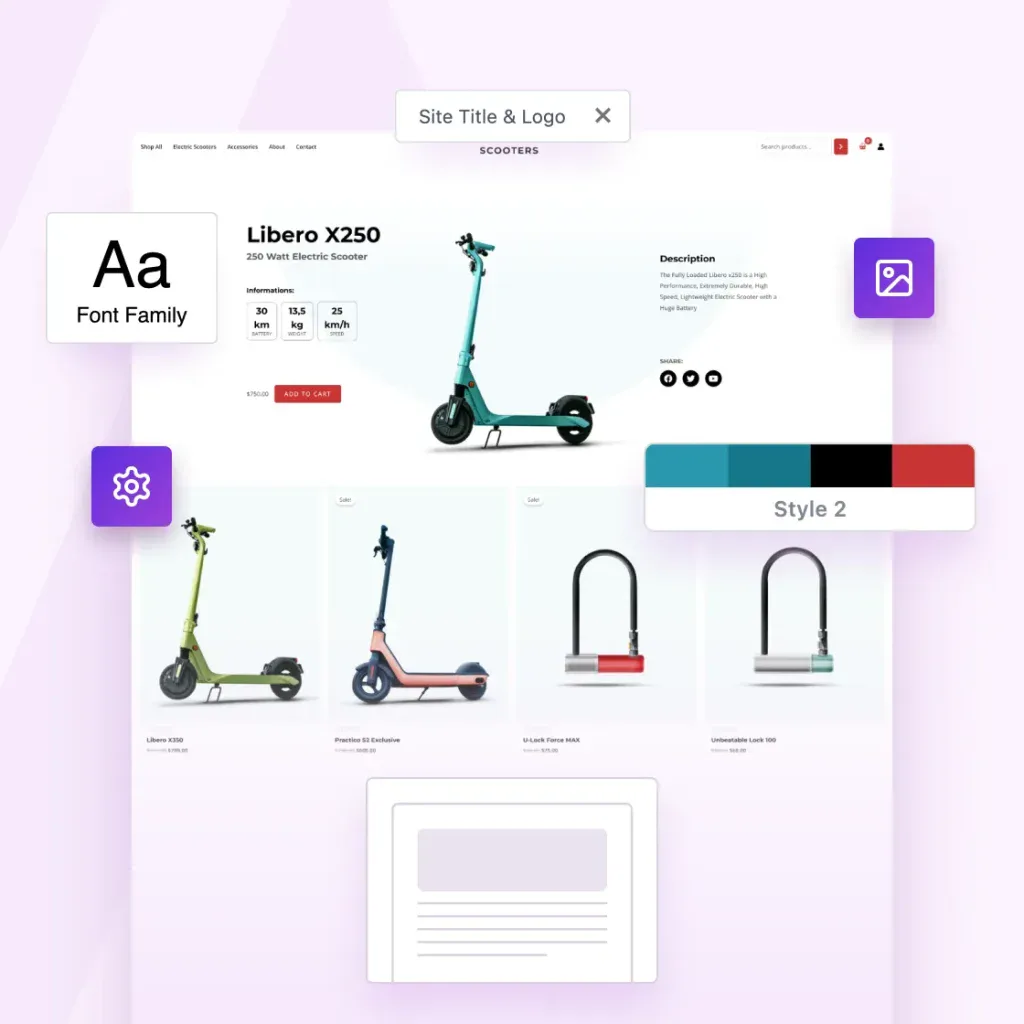
Create Once. Package Instantly. Sell Forever.
Package websites into complete templates you can reuse, share or sell.
Export Entire Sites
Package your Astra site, including layouts, settings, plugins, and styles.

One-Click Template Packaging
One click. One complete template. Ready to use, share or sell.

Sell or Distribute Anywhere
Sell it in your store, deliver it to clients, or reuse it across your own projects.

Built for People Who Create at Scale
Built for solo creators and growing agencies, the Astra Template Exporter helps you ship sites faster.

Content Creators
Save your sites as templates you can reuse anywhere.

Agencies
Save finished client sites as reusable agency templates.

Web Designers
Turn finished designs into reusable website templates

This is test tab 1
This is test tab 2
This is OG Text
This is Copy Text
-

Magento vs. WooCommerce: Which eCommerce Platform to Use in 2026? – Detailed Comparison
Explore a detailed comparison between Magento and WooCommerce. This article provides a comprehensive analysis of their key differences in cost, usability, scalability, payment solutions, integrations, support, user base, and future-proofing. Find out why we prefer WooCommerce over Magento.
-

Tripwire Funnels: Complete Guide With 9 Powerful Examples
This guide explores what tripwires are and how they differ from lead magnets and discount coupons. Read to discove what contributes to a successful tripwire, pricing strategies, and real-life examples of effective tripwire implementations.
-

Abandoned Cart Recovery: 4 Proven Ways to Recover Abandoned Carts
This guide outlines 4 effective strategies to recover abandoned carts, send cart abandonment recovery emails, use remarketing ads, engage in personal outreach, and utilize web push notifications. Explore these effective strategies to regain lost sales and improve conversion rates.
-

How To Eliminate Render Blocking CSS in WordPress
This article explains what render blocking CSS is and provides various methods to eliminate it, highlighting the top three plugins: Autoptimize, WP Rocket, and Async JavaScript. Find out which plugin we recommend and why for users of all abilities.
-
How To Fix Render Blocking Javascript in WordPress
Owning a website means keeping it in tip-top shape and making sure it’s as pleasing to your visitors, customers, and even those crawlers that Google employs to check your site. That said, in an effort to optimize your WordPress website, you might have come across “Render Blocking JavaScript” and thought to yourself, woah…what’s that? Simply
-

How To Add Schema in WordPress – Step by Step Guide
This post explains schema markup and its role in generating rich snippets. Read on to discover 6 steps to implement schema markup on your WordPress site: Understand schema types > Choose schema markup > Generate schema markup code > WordPress integration > Test and monitor.
-

How To Add Google Analytics to WordPress (Step by Step Guide)
This guide details the steps to create a Google Analytics property: Sign in to Google Analytics > Click on the “Admin” tab > Select “Create Property” > Enter your website details > Choose your property settings > Complete setup. Also find out how to add the tracking code to your site using MonsterInsights.
-
How To Leverage Browser Caching in WordPress for Speed
This guide explains the importance of browser caching for performance and usability and provides methods to implement it effectively on your WordPress site. Learn how to fix common caching errors, utilize plugins for streamlined setup, and implement Apache or Nginx server configurations for optimal caching.
-

10 Best Google Analytics Plugins for WordPress for Data-Driven Insights
This article discusses key features to consider when selecting a Google Analytics plugin. We review top options like MonsterInsights, GA Google Analytics, and Site Kit by Google, and highlight their unique benefits. Discover how the right plugin can improve data insights and overall performance.