
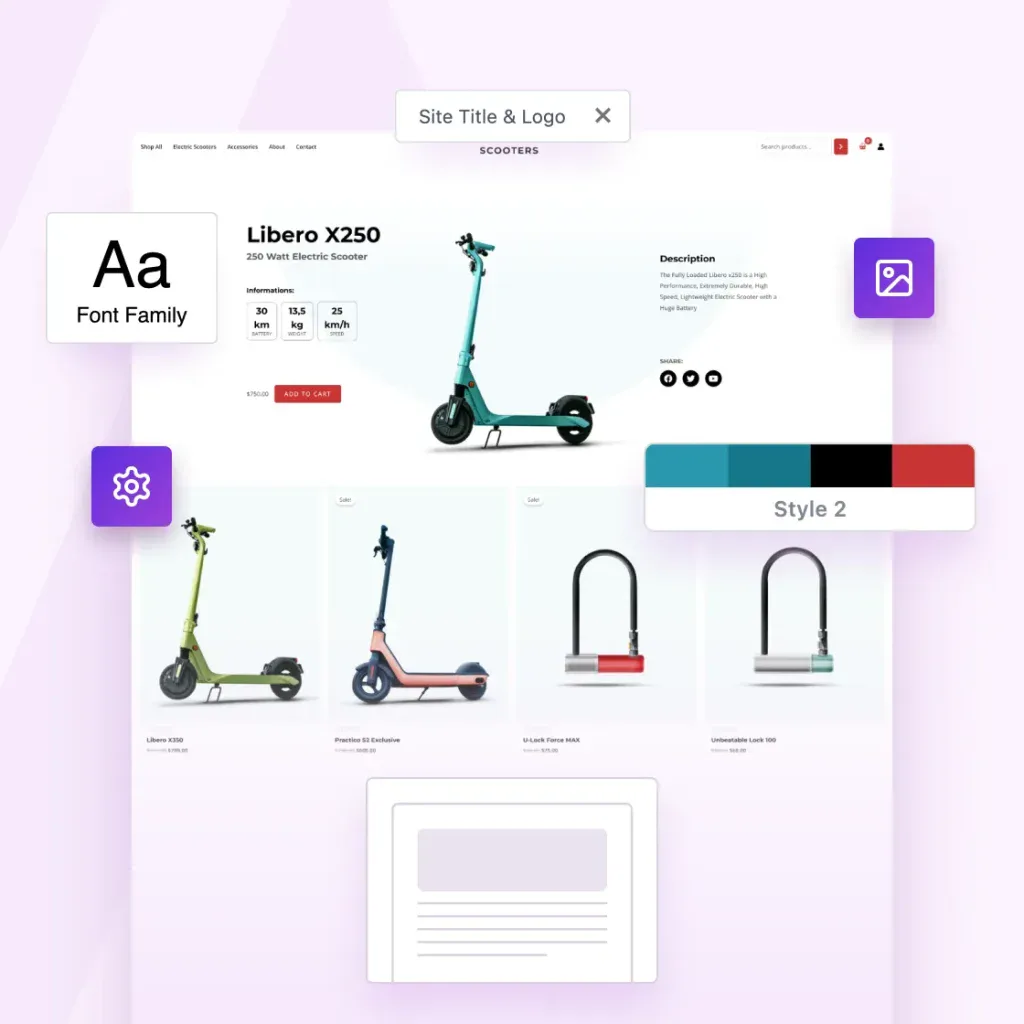
CLIENT WORK IS A DEAD END. PRODUCTS AREN’T.
Turn Your Best Websites Into Products That Sell Themselves
The Astra Template Exporter helps you turn finished projects into reusable templates you can sell, share or license again and again.
Already a Business Toolkit customer? Log in here
Astra Is More Than a Theme. It’s a Complete Revenue Engine.
You’ve already done the hard work by designing great websites. Astra helps you turn them into income.
The Template Exporter packages full websites into reusable templates you can install anywhere, reuse or sell.

Create Once. Package Instantly. Sell Forever.
Package websites into complete templates you can reuse, share or sell.
Export Entire Sites
Package your Astra site, including layouts, settings, plugins, and styles.
One-Click Template Packaging
One click. One complete template. Ready to use, share or sell.
Sell or Distribute Anywhere
Sell it in your store, deliver it to clients, or reuse it across your own projects.

Your Designs Deserve To Become Products
Astra powers millions of websites, and now it gives you a path to turn your expertise into assets.
Now you can:
-
Turn completed projects into something you can reuse & sell
-
Turn your creativity into recurring revenue
-
Turn your skills into scalable digital products
-
Build your own template library once and forever
-
Sell faster because your starting point is already master-level
Your work can keep creating value long after the project ends.
3-Step Process That Feels Like Magic
1
Build With Astra
Create your site the same way you always do, with Astra and the plugins you rely on.
2
Install the Template Exporter
Install the Template Exporter plugin (exclusive to the Business Toolkit) and follow the wizard to create your first template.
3
Export Your Template
Astra bundles everything into a clean, distributable template file you can sell, reuse, or deliver instantly.
Complete Websites, Ready To Upload, Install or Share
Nothing is left behind.
Nothing breaks on import.
-
Astra theme settings
-
Header & footer settings
-
Page layouts & Spectra blocks
-
Customizer configurations
-
All plugins & their settings
-
Design styles
-
Media (optimized for import)
-
Ready-to-install template file
Built for People Who Create at Scale
Built for solo creators and growing agencies, the Astra Template Exporter helps you ship sites faster.

Content Creators
Save your sites as templates you can reuse anywhere.

Agencies
Save finished client sites as reusable agency templates.

Web Designers
Turn finished designs into reusable website templates

The Foundation For Much More Than Websites.
The future of web design isn’t building one site at a time. It’s building once and reusing infinitely.
You already have the skills. You already have the templates. Now you have the platform that turns them into products.
Welcome to scalable web creation!

Common Questions Answered
Have questions? We’ve answered the most common ones below.
Yes. You can sell, license, bundle, or distribute your template packs anywhere – on your own store, marketplaces, or directly to clients. This isn’t just an export tool. It’s built to help you productize your work.
The exporter includes plugin settings and design elements, but it does not export paid licenses or private data. If your template uses premium plugins, the importing user will need their own valid license. Your design stays intact. Your licenses stay protected.
Yes. Astra Template Exporter is purpose-built for Astra-powered websites, so we recommend using the Astra theme. That’s how we assure pixel-accurate imports and full compatibility.
Astra Template Exporter is a plugin, but it is available exclusively inside the Astra Business Toolkit. It’s part of a larger ecosystem designed to help creators and agencies scale.
Anywhere. You can list them on your own SureCart/Woo store, sell via marketplaces, bundle them for clients, or include them in membership programs. If you can sell a digital file there, you can sell your templates there.
The future of web design isn’t building one site at a time. It’s building once and reusing infinitely. You already have the skills. You already have the templates. Now you have the platform that turns them into products.
Just like any digital product, you control the support you offer. This tool gives you the product. You have the freedom to decide the business model.
Most WordPress export tools weren’t built for selling design templates.
Some export too little – missing Customizer settings, plugin configurations, and design-critical data. This leads to broken or incomplete imports.
Others export too much, including licenses, payment settings, and private data, making them unsafe for redistribution.
Astra Template Exporter exports exactly what’s needed: design structure, theme settings, plugin configurations, and media assets. Nothing missing. Nothing sensitive. It’s purpose-built for safely packaging Astra-powered sites into sellable templates.
Turn Your Websites Into Digital Products
The Astra Template Exporter is exclusively available with the Business Toolkit.
Already a Business Toolkit customer? Log in here
This is Test Text
This is test tab 1
This is test tab 2
This is Slide 1
This is OG Text
This is Copy Text
-

WordPress Story 01: Dave Kraljic of Home Care Boost
Hello everyone! I’m very excited to announce a new series on our blog “WordPress Stories“, where we will interview some amazing people from the WordPress community and discover their stories. This a small effort from us which we hope will inspire others! Today we have Dave Kraljic, the CEO of Home Care Boost, an agency that
-
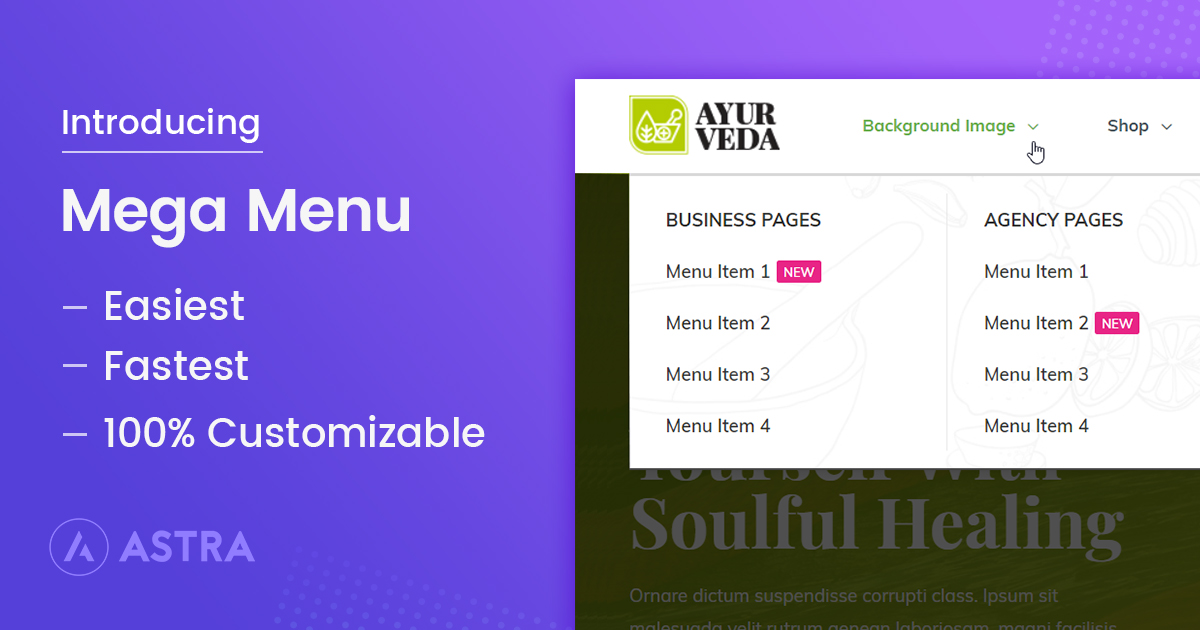
Introducing Mega Menu within the Nav Menu Addon!
This article discusses the Mega Menu, including various styling options, the ability to fetch widgets and page builder templates, and instructions for enabling the feature. Read on to learn how Astra Pro’s Mega Menu can enhance your website’s navigation and user experience.
-
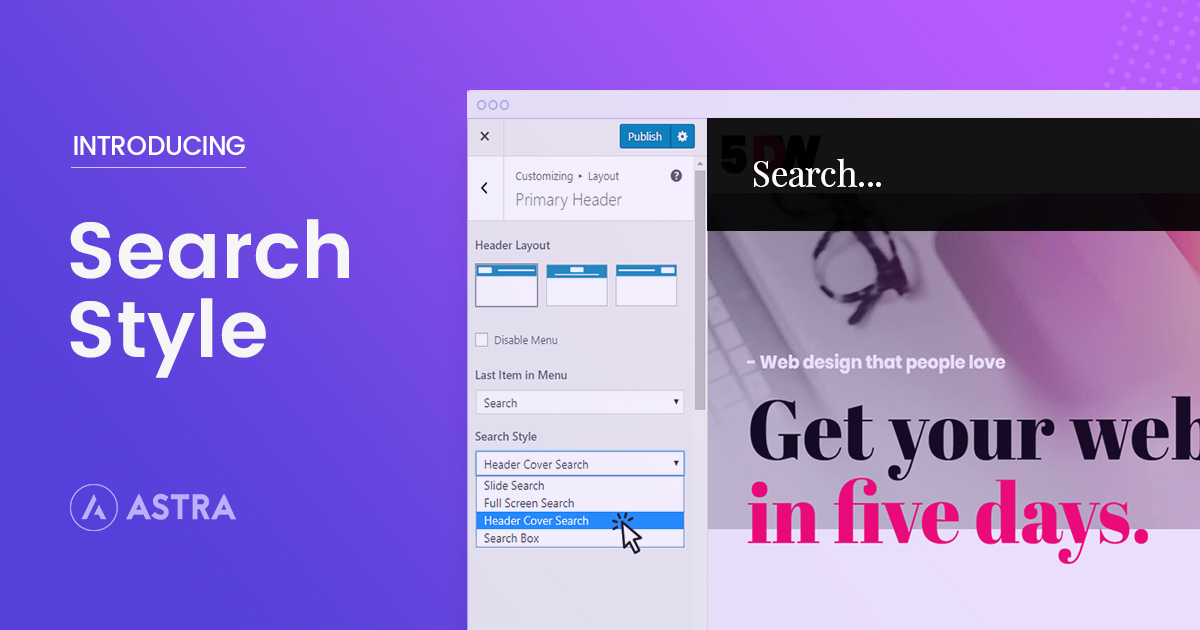
Introducing Search Styles in Astra!
Astra now offers stylish search options to enhance your website’s interactivity. This update introduces four search styles: Slide search, Full-screen search, Header cover search, and Default search box. Read on to find out what’s available in Astra Theme v1.4.9 and Astra Pro addon v1.5.0.
-
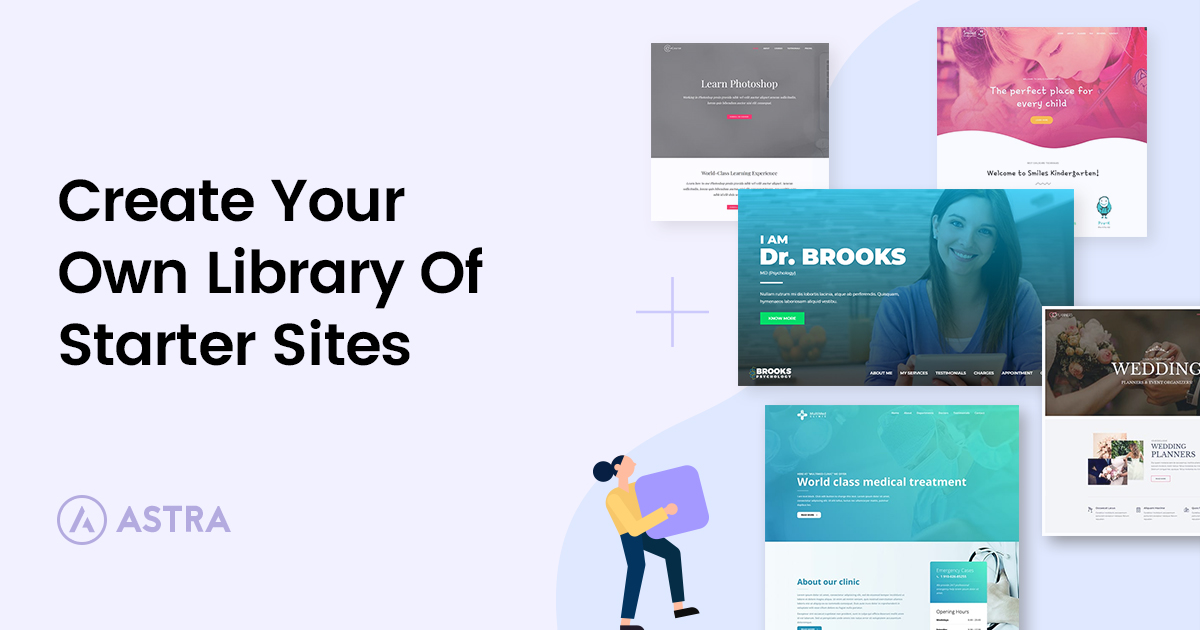
How To Create a Library of Website Templates
This article outlines 5 steps to create your own template library using Astra Toolkits: Create your library > Display your portfolio using the WP Portfolio plugin > Share your portfolio > Add every template you create. Read on for everything you need to know.
-
How To Clone a WordPress Site in Less Than 5 Minutes Using Free Tools
This article shows you how to clone your WordPress website, explaining: 1) The need for cloning 2) The steps to clone your site using Duplicator and WP Staging plugins. Read on for expert tips for a seamless cloning process.
-
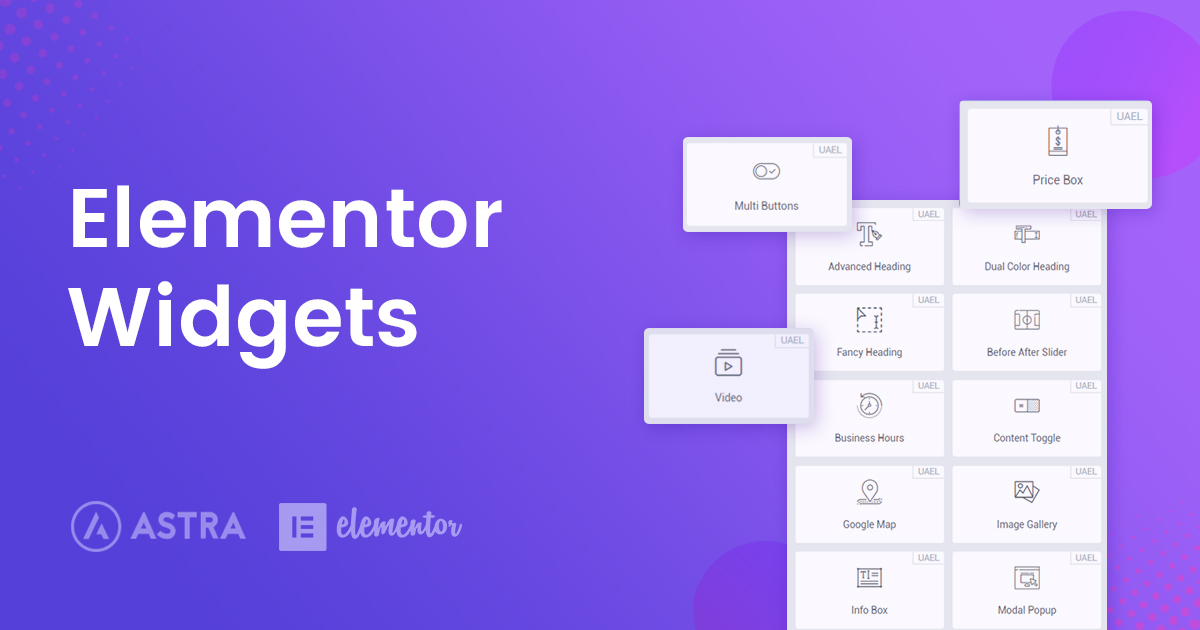
Elementor Widgets – The Best Elementor Addons & Widgets
If you read our Elementor vs Elementor Pro comparison, you know that Elementor gives you 28 widgets in the free version and 60 Elementor widgets in the Pro version. But what you might not know is that Elementor Pro isn’t the only way to get new Elementor widgets – there’s also a huge third-party marketplace
-

Introducing the Essential Bundle!
You can now get the Essential Toolkit by Astra to streamline website building. It includes the Astra Pro Addon, Premium Starter Templates, and page builder addons (Ultimate Addons for Elementor, Ultimate Addons for Beaver Builder, and Spectra). This article discusses the components in detail.
-
LifterLMS vs LearnDash vs LearnPress: 3 Best WordPress LMS Plugins Compared!
This article compares three top LMS plugins: LifterLMS, LearnDash, and LearnPress. LifterLMS offers a free version for beginners, while LearnDash is praised for its robust features and consistent updates. Find out how Astra’s integrates with each system and offers extensive customization options.
-
Elementor Vs Beaver Builder: A Detailed Page Builder Comparison
Elementor and Beaver Builder are two of the most popular WordPress page builders. This article analyzes key features such as user interface, design flexibility, template options, third-party integrations, and performance. Read on to find out how Elementor and Beaver Builder stack up in this head to head comparison!.