CLIENT WORK IS A DEAD END. PRODUCTS AREN’T.
Turn Your Best Websites Into Products That Sell Themselves
The Astra Template Exporter helps you turn finished projects into reusable templates you can sell, share or license again and again.
Already a Business Toolkit customer? Log in here
Astra Is More Than a Theme. It’s a Complete Revenue Engine.
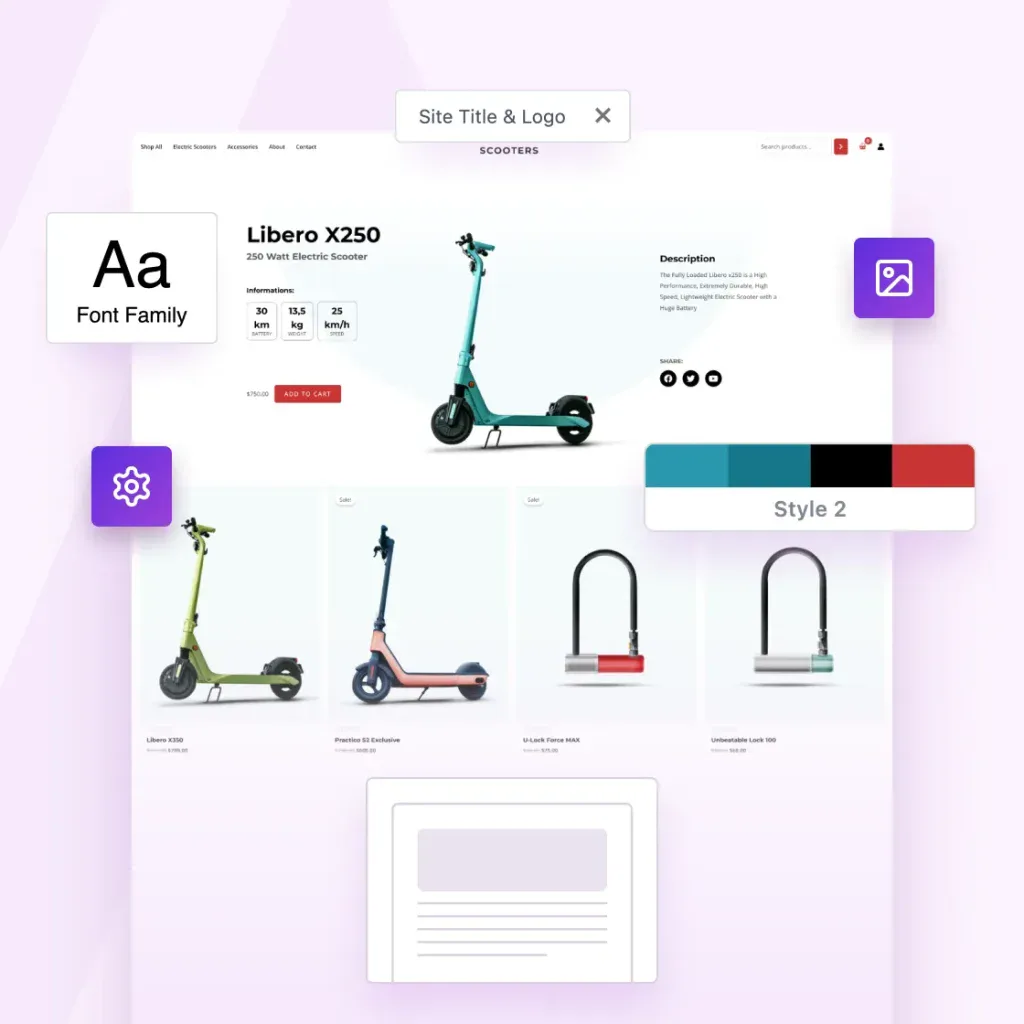
You’ve already done the hard work by designing great websites. Astra helps you turn them into income.
The Template Exporter packages full websites into reusable templates you can install anywhere, reuse or sell.

Create Once. Package Instantly. Sell Forever.
Package websites into complete templates you can reuse, share or sell.
Export Entire Sites
Package your Astra site, including layouts, settings, plugins, and styles.
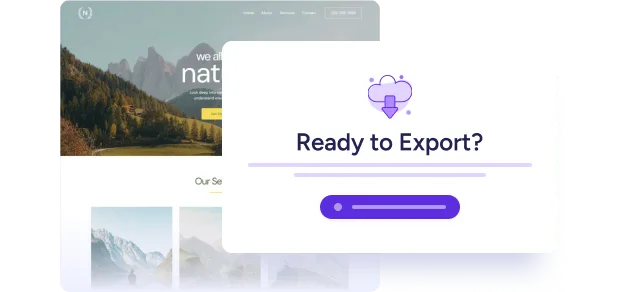
One-Click Template Packaging
One click. One complete template. Ready to use, share or sell.
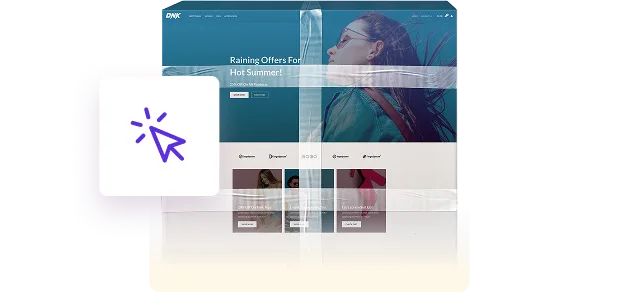
Sell or Distribute Anywhere
Sell it in your store, deliver it to clients, or reuse it across your own projects.

Your Designs Deserve To Become Products
Astra powers millions of websites, and now it gives you a path to turn your expertise into assets.
Now you can:
-
Turn completed projects into something you can reuse & sell
-
Turn your creativity into recurring revenue
-
Turn your skills into scalable digital products
-
Build your own template library once and forever
-
Sell faster because your starting point is already master-level
Your work can keep creating value long after the project ends.
3-Step Process That Feels Like Magic
1
Build With Astra
Create your site the same way you always do, with Astra and the plugins you rely on.
2
Install the Template Exporter
Install the Template Exporter plugin (exclusive to the Business Toolkit) and follow the wizard to create your first template.
3
Export Your Template
Astra bundles everything into a clean, distributable template file you can sell, reuse, or deliver instantly.
Complete Websites, Ready To Upload, Install or Share
Nothing is left behind.
Nothing breaks on import.
-
Astra theme settings
-
Header & footer settings
-
Page layouts & Spectra blocks
-
Customizer configurations
-
All plugins & their settings
-
Design styles
-
Media (optimized for import)
-
Ready-to-install template file
Built for People Who Create at Scale
Built for solo creators and growing agencies, the Astra Template Exporter helps you ship sites faster.

Content Creators
Save your sites as templates you can reuse anywhere.

Agencies
Save finished client sites as reusable agency templates.

Web Designers
Turn finished designs into reusable website templates

The Foundation For Much More Than Websites.
The future of web design isn’t building one site at a time. It’s building once and reusing infinitely.
You already have the skills. You already have the templates. Now you have the platform that turns them into products.
Welcome to scalable web creation!

Common Questions Answered
Have questions? We’ve answered the most common ones below.
Yes. You can sell, license, bundle, or distribute your template packs anywhere – on your own store, marketplaces, or directly to clients. This isn’t just an export tool. It’s built to help you productize your work.
The exporter includes plugin settings and design elements, but it does not export paid licenses or private data. If your template uses premium plugins, the importing user will need their own valid license. Your design stays intact. Your licenses stay protected.
Yes. Astra Template Exporter is purpose-built for Astra-powered websites, so we recommend using the Astra theme. That’s how we assure pixel-accurate imports and full compatibility.
Astra Template Exporter is a plugin, but it is available exclusively inside the Astra Business Toolkit. It’s part of a larger ecosystem designed to help creators and agencies scale.
Anywhere. You can list them on your own SureCart/Woo store, sell via marketplaces, bundle them for clients, or include them in membership programs. If you can sell a digital file there, you can sell your templates there.
The future of web design isn’t building one site at a time. It’s building once and reusing infinitely. You already have the skills. You already have the templates. Now you have the platform that turns them into products.
Just like any digital product, you control the support you offer. This tool gives you the product. You have the freedom to decide the business model.
Most WordPress export tools weren’t built for selling design templates.
Some export too little – missing Customizer settings, plugin configurations, and design-critical data. This leads to broken or incomplete imports.
Others export too much, including licenses, payment settings, and private data, making them unsafe for redistribution.
Astra Template Exporter exports exactly what’s needed: design structure, theme settings, plugin configurations, and media assets. Nothing missing. Nothing sensitive. It’s purpose-built for safely packaging Astra-powered sites into sellable templates.
Turn Your Websites Into Digital Products
The Astra Template Exporter is exclusively available with the Business Toolkit.
Already a Business Toolkit customer? Log in here
This is Test Text
This is test tab 1
This is test tab 2
This is Slide 1
This is OG Text
This is Copy Text
-

WordPress Maintenance: 13 Essential Website Maintenance Tasks
This article details the benefits of regular WordPress maintenance, how to put your site in maintenance mode, and includes a comprehensive checklist with tasks for security, performance, and SEO. Find out more about our top recommended WordPress maintenance services.
-

How To Fix WordPress Max Execution Time Errors
Adjusting the WordPress max execution time prevents timeouts during script execution. This guide outlines common methods for increasing the max execution time: modify PHP settings via php.ini, .htaccess, or wp-config.php files, use plugins for easier configuration, and vprevent it happening again.
-

The 25 Best Ecommerce Platforms Compared in 2026 (Free and Paid Options)
The article provides a quick comparison table of top eCommerce platforms, including factors like scalability, ease of use, and payment options. Explore the top 25 eCommerce platforms, evaluating their features and capabilities to find the best fit for your business needs.
-

How To Fix SSH Connection Refused Errors – Complete Step by Step Guide
A “Connection Refused” error when using tools like PuTTY with SSH can slow you down. Consider any of these seven solutions: check network stability, verify credentials, reboot the server, ensure SSH installation, confirm port accessibility, adjust firewall settings and seek assistance from your host.
-

The 18 Best Online Web Design Courses in 2026 (Free and Paid)
This article lists 18 recommended web design courses that cover essential skills for aspiring designers. Learn how to choose the right course based on your skill level and career goals and explore detailed insights into each course’s curriculum, instructor quality, and learning outcomes.
-

WordPress Not Sending Emails? 5 Simple Fixes and Plugins To Help
Email is central to community building so whenever your site isn’t sending them, you’re missing a connection. Here’s what to do if WordPress isn’t sending emails with 5 simple fixes.
-

.Com Vs .Net: What’s the Actual Difference?
This article explains how domain extensions work, compares .com and .net and discusses the pros and cons of each. Find out when to choose .com or .net domains, other extensions to consider, and the concept of vanity URLs. Explore the domain extension that best fits your needs.
-

How To Fix 502 Bad Gateway Errors on Your WordPress Website
This guide highlights 10 simple steps to handle the 502 Bad Gateway error: Reload the page > Clear browser cache > Check IsItDown > Check device DNS > Disable CDN > Disable firewall > Test plugins > Test theme > Check server logs > Increase PHP timeout limit. Read on for deeper insights and practical…
-

9 Best FTP Clients for Mac and Windows Users – Includes Free and Paid Clients
This article explains FTP clients, their benefits, and key features to look for, including compatibility, ease of use, encryption, large file support, customer support, and cloud server integration. Find out the FTP clients we recommend for Windows and Mac.