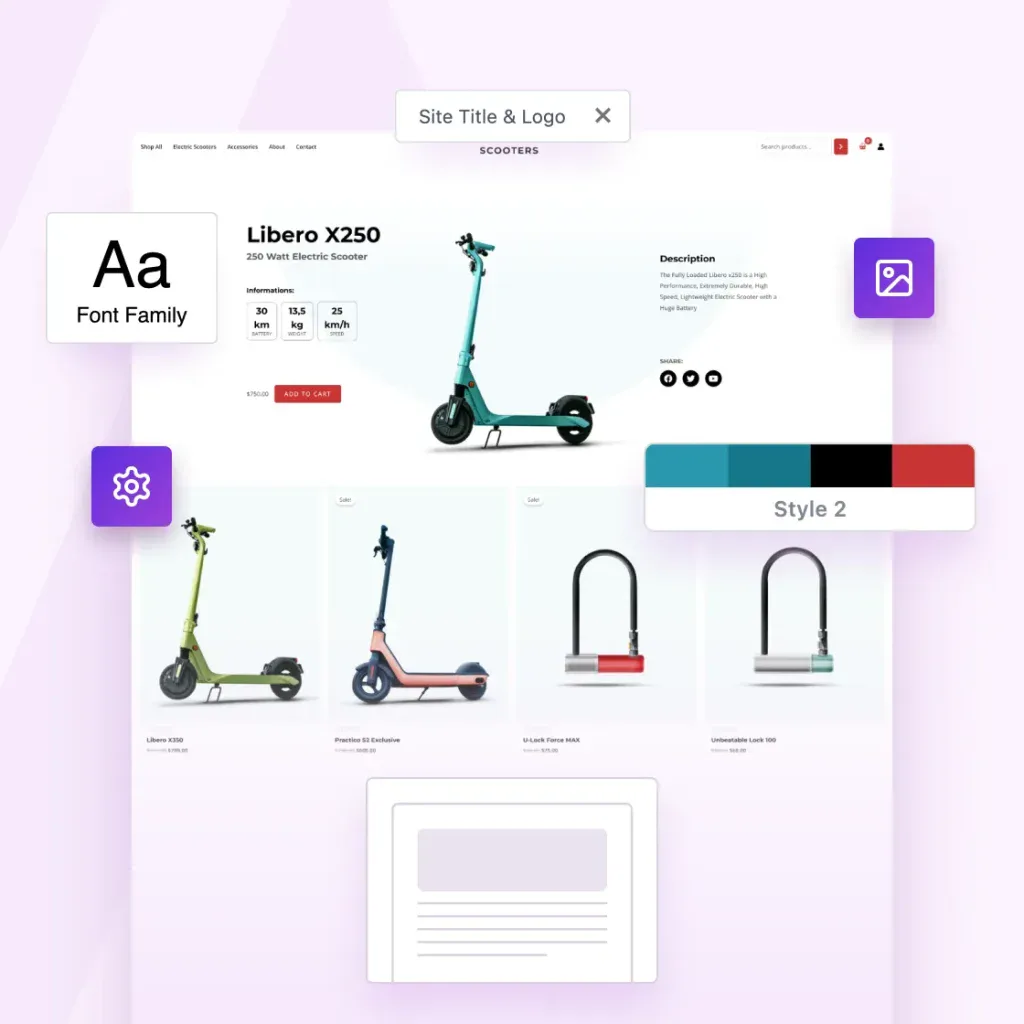
CLIENT WORK IS A DEAD END. PRODUCTS AREN’T.
Turn Your Best Websites Into Products That Sell Themselves
The Astra Template Exporter helps you turn finished projects into reusable templates you can sell, share or license again and again.
Already a Business Toolkit customer? Log in here
Astra Is More Than a Theme. It’s a Complete Revenue Engine.
You’ve already done the hard work by designing great websites. Astra helps you turn them into income.
The Template Exporter packages full websites into reusable templates you can install anywhere, reuse or sell.

Create Once. Package Instantly. Sell Forever.
Package websites into complete templates you can reuse, share or sell.
Export Entire Sites
Package your Astra site, including layouts, settings, plugins, and styles.
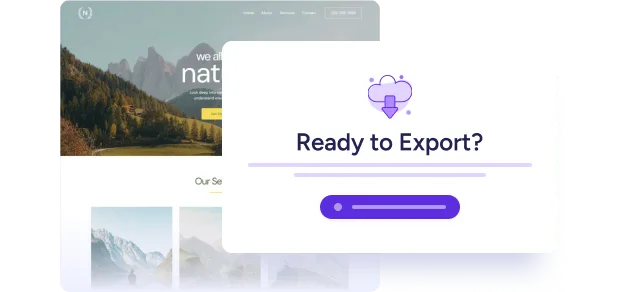
One-Click Template Packaging
One click. One complete template. Ready to use, share or sell.
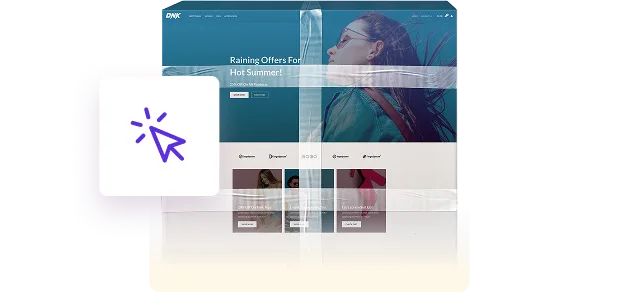
Sell or Distribute Anywhere
Sell it in your store, deliver it to clients, or reuse it across your own projects.

Your Designs Deserve To Become Products
Astra powers millions of websites, and now it gives you a path to turn your expertise into assets.
Now you can:
-
Turn completed projects into something you can reuse & sell
-
Turn your creativity into recurring revenue
-
Turn your skills into scalable digital products
-
Build your own template library once and forever
-
Sell faster because your starting point is already master-level
Your work can keep creating value long after the project ends.
3-Step Process That Feels Like Magic
1
Build With Astra
Create your site the same way you always do, with Astra and the plugins you rely on.
2
Install the Template Exporter
Install the Template Exporter plugin (exclusive to the Business Toolkit) and follow the wizard to create your first template.
3
Export Your Template
Astra bundles everything into a clean, distributable template file you can sell, reuse, or deliver instantly.
Complete Websites, Ready To Upload, Install or Share
Nothing is left behind.
Nothing breaks on import.
-
Astra theme settings
-
Header & footer settings
-
Page layouts & Spectra blocks
-
Customizer configurations
-
All plugins & their settings
-
Design styles
-
Media (optimized for import)
-
Ready-to-install template file
Built for People Who Create at Scale
Built for solo creators and growing agencies, the Astra Template Exporter helps you ship sites faster.

Content Creators
Save your sites as templates you can reuse anywhere.

Agencies
Save finished client sites as reusable agency templates.

Web Designers
Turn finished designs into reusable website templates

The Foundation For Much More Than Websites.
The future of web design isn’t building one site at a time. It’s building once and reusing infinitely.
You already have the skills. You already have the templates. Now you have the platform that turns them into products.
Welcome to scalable web creation!

Common Questions Answered
Have questions? We’ve answered the most common ones below.
Yes. You can sell, license, bundle, or distribute your template packs anywhere – on your own store, marketplaces, or directly to clients. This isn’t just an export tool. It’s built to help you productize your work.
The exporter includes plugin settings and design elements, but it does not export paid licenses or private data. If your template uses premium plugins, the importing user will need their own valid license. Your design stays intact. Your licenses stay protected.
Yes. Astra Template Exporter is purpose-built for Astra-powered websites, so we recommend using the Astra theme. That’s how we assure pixel-accurate imports and full compatibility.
Astra Template Exporter is a plugin, but it is available exclusively inside the Astra Business Toolkit. It’s part of a larger ecosystem designed to help creators and agencies scale.
Anywhere. You can list them on your own SureCart/Woo store, sell via marketplaces, bundle them for clients, or include them in membership programs. If you can sell a digital file there, you can sell your templates there.
The future of web design isn’t building one site at a time. It’s building once and reusing infinitely. You already have the skills. You already have the templates. Now you have the platform that turns them into products.
Just like any digital product, you control the support you offer. This tool gives you the product. You have the freedom to decide the business model.
Most WordPress export tools weren’t built for selling design templates.
Some export too little – missing Customizer settings, plugin configurations, and design-critical data. This leads to broken or incomplete imports.
Others export too much, including licenses, payment settings, and private data, making them unsafe for redistribution.
Astra Template Exporter exports exactly what’s needed: design structure, theme settings, plugin configurations, and media assets. Nothing missing. Nothing sensitive. It’s purpose-built for safely packaging Astra-powered sites into sellable templates.
Turn Your Websites Into Digital Products
The Astra Template Exporter is exclusively available with the Business Toolkit.
Already a Business Toolkit customer? Log in here
This is Test Text
This is test tab 1
This is test tab 2
This is Slide 1
This is OG Text
This is Copy Text
-

WordPress 5.8: What’s New in the Second Biggest WordPress Release This Year?
WordPress 5.8 is just around the corner! It’s the second biggest WordPress update this year, are you ready for it? This exciting update gives us the first look at the new template editor which will be the primary tool for full site editing in the future. It also introduces many more exciting features like WebP
-
How To Reduce Time to First Byte (TTFB) in WordPress
This article explains how to measure Time to First Byte (TTFB) and provides 12 strategies to reduce it, such as using a fast WordPress host, implementing a CDN, utilizing caching plugins, and speeding up your database. Explore tips on enhancing site performance through TTFB optimization.
-

New Beaver Builder Templates Set: Influencers, Home-Stay, and Tarot Card Reader
This article introduces 5 new Beaver Builder templates tailored for food bloggers, fashion influencers, home-stay owners, travel bloggers, and tarot card readers, detailing their features, such as responsive design, social media integration, and contact forms. Explore these templates for more details.
-
Scarcity Sells – 20 Best WordPress Countdown Timer Plugins To Boost Sales
WordPress countdown timers create urgency by displaying a countdown for events or promotions. Explore 4 steps to add a timer using the HurryTimer plugin: Install the HurryTimer plugin > Create a new countdown timer > Customize your timer’s settings > Publish the timer on your site.
-

Web Push Notifications: What Are They and How Do You Use Them? + 11 Tools To Use
This article explains how web push notifications work, citing examples like PushEngage, Pushcrew, and VWO Engage. To install web push notifications using OneSignal: 1) Install OneSignal. 2) Create an account on OneSignal. 3) Copy the provided API keys to your WordPress dashboard.
-

Error Establishing a Database Connection? 7 Ways To Fix It Fast!
Explore the steps to resolve the “Error Establishing a Database Connection” WordPress error: Check your database login credentials > Create a new database user > Repair a corrupt database > Fix corrupt files > Replace core files > Consult your host > Restore from your latest backup.
-

Website Usability Testing: Everything You Need To Know
This article outlines the importance of usability testing and highlights its benefits, including insights into user interactions and identification of design issues. Discover the various testing methods and a step-by-step guide to conducting usability tests effectively.
-

How To Use WebP Images in WordPress: The Complete Step-by-step Guide
This guide covers three effective methods to incorporate WebP images in WordPress: Using a CDN, leveraging an image optimization plugin, or adding them manually. Find out how WebP images can enhance performance by reducing file sizes by 25-34% compared to traditional PNG and JPG formats.
-

How To Fix the 504 Gateway Timeout Error in WordPress (Complete Guide)
Solve the 504 Gateway Timeout error in WordPress by refreshing your browser > check DNS settings > verify server stability. If issues persist, adjust server timeout settings, optimize website performance, then contact your hosting provider. These easy steps can restore your site quickly.